A well-chosen use.
One objective, one audience, one scenario. The right scope to begin.
 Request a demonstration ↗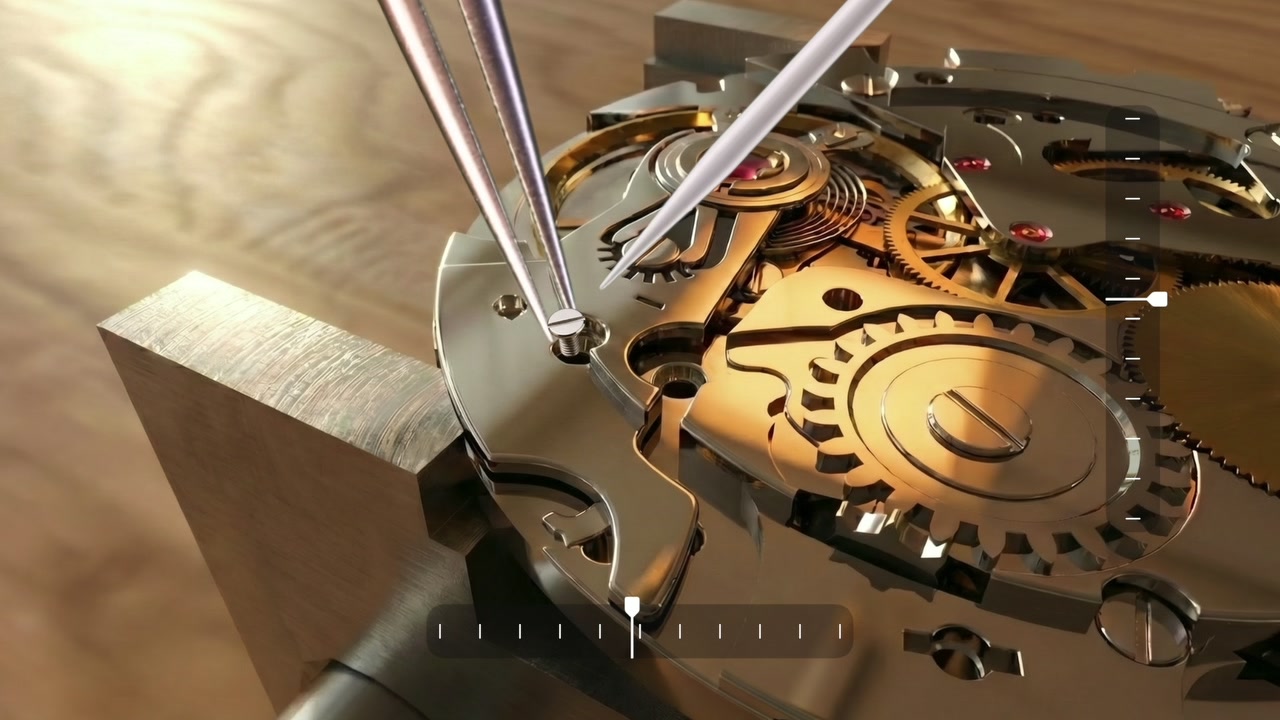
Move quickly from intent
to a first tangible use.
We tailor content, interactions and art direction to your world. A focused initial scope enables quick progress, then an experience that grows with use.
Define your first experience with us ↗A learning scenario, components to handle and tools to use.
An illustration of personalisation options.One objective, one audience, one scenario. The right scope to begin.
Your content and identity integrated into the selected interactions.
A first experience to test with your teams and then develop further.
Schools, training centres,
craft teams and sales networks.
 EDUCATIONAL EDITION
Turn immersion into a learning path that builds skills.
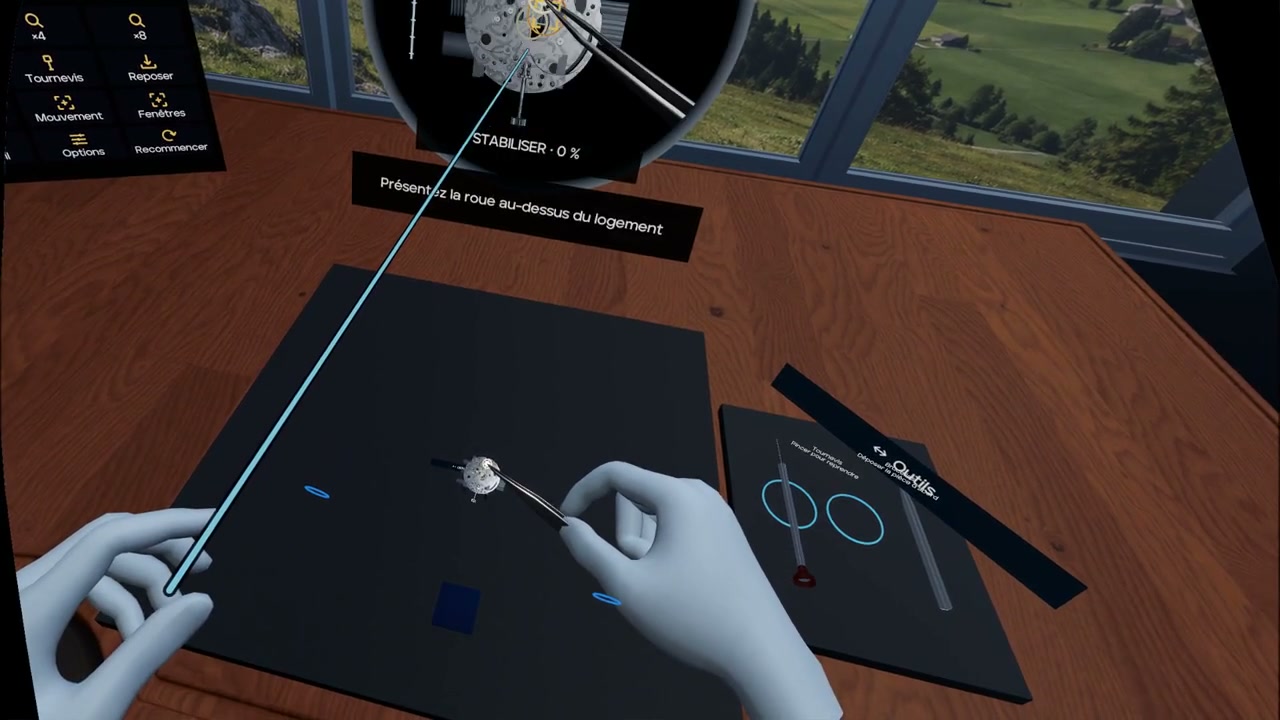
The training edition of Le Temps des Rêves adapts our watchmaking project for schools and professionals: discover components, understand their function and practise interactions in a guided virtual environment.
We define objectives, progression, instructions and debriefing with trainers. VR complements learning materials and practice at the bench.
Build your learning path ↗Explore the movement, identify a component and relate its shape to its function.
Get familiar with interactions and tools according to the learning scenario.
Discuss choices, difficulties and points to explore further with the trainer.
Objectives, assessment methods and equipment are defined during scoping. Modules and availability are specified in the training proposal.
A guided VR experience,
at the heart of your gathering.
We design events combining watchmaking discovery, immersion and in-person discussion. The experience adapts to your audience, venue and event schedule.
Plan your event ↗An immersive discovery to enrich a presentation, client meeting or launch.
Introduce audiences to watchmaking professions through a demonstration and an educational discussion.
A workshop alternating VR sessions, observation and discussion about craftsmanship.
Audience & duration
→Space & equipment
→Welcome & guidance
→Rotations & debrief
Observe a mechanism, discover its components and experiment with handling them in a virtual environment.
Explore how glasses could provide useful guidance while observing or learning an operation.
Define with professionals what should be shown, then assess the device’s clarity, comfort and educational value.
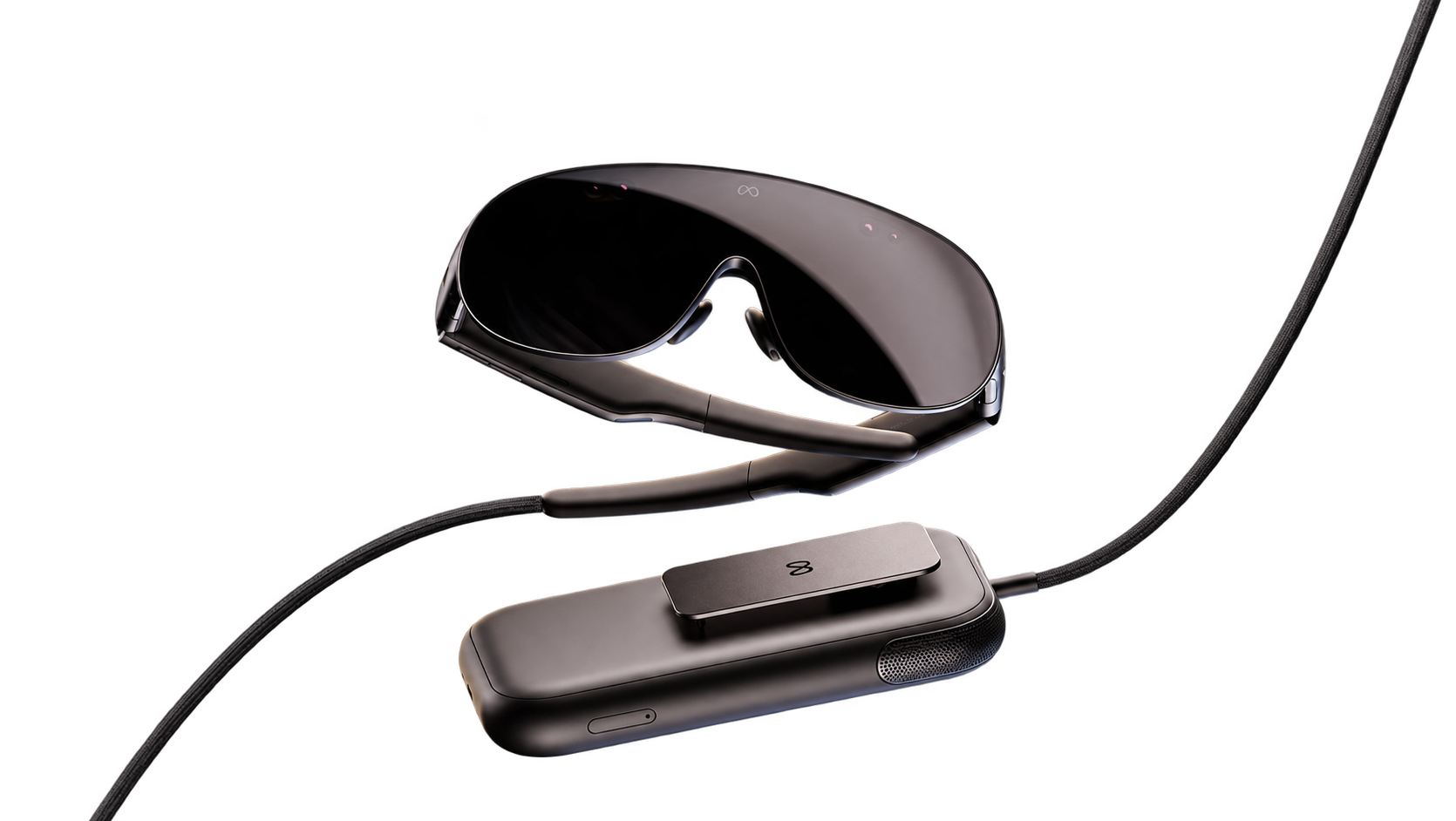
Meta visual. Our prototypes explore hand and tool interactions. Selected hardware and compatibility will be specified for each project.
Support for businesses,
from practical use to deployment.
New possibilities.
New responsibilities.
Your teams need to adapt to rapidly evolving tools. We help you choose useful applications, organise content and integrate AI into your work, with clear rules for data and users.
Identify tasks to improve, users, necessary data and success criteria. Prioritise a realistic first use case.
Design document assistants and automations based on your approved content, taking your information systems into account.
Define usable information, access rights, hosting and retention with your business and IT leads.
Support teams in using tools and checking results. Adjust the solution based on field feedback.
Product knowledge assistant
Internal document search
Sales preparation support
Creation of training materials